Amazon Photos Free 118.91 MB 2.44.1046.0
You can now download the App For Free.
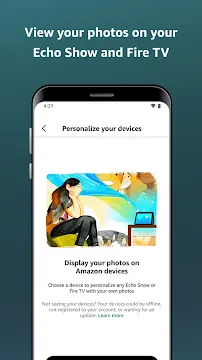
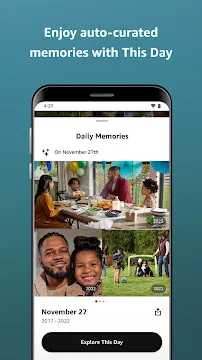
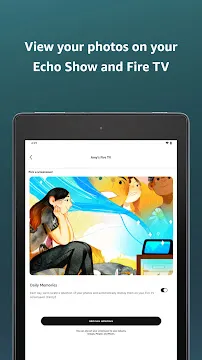
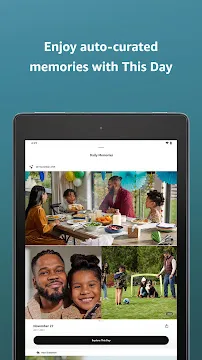
Amazon Photos provides an incredible way to back up and manage your precious digital memories directly from your phone. You can save thousands of pictures securely without worrying about running out of local phone space. Above all, this application allows you to access your pictures on multiple compatible screens... Read more
Screenshots
How To Install APK Files On Android Devices
APK stands for Android Package Kit, and it’s basically a way to install apps on your phone without using the Play Store.
Enabling Unknown Sources:
- Open Settings on your Android device.
- Tap on “Security” or “Apps & notifications” (depending on your Android version).
- Find the setting called “Unknown sources” and toggle it on.
- You might see a warning message – that’s okay, just tap “OK” to confirm.
Installing the APK:
- Download your APK file from a trusted source.
- Open your device’s file manager app (like “Files” or “Downloads”).
- Tap on the downloaded APK file.
- You’ll see a prompt asking you to confirm the installation. Tap “Install”.
- The app will start installing. It might take a few minutes depending on the size of the app.
- Once it’s done, tap “Open” to launch the new app!
With these steps, you can easily install APK files on your Android device.